Automating Computational Hydraulics Modeling: Part 1-Introduction
- Xiaofeng Liu
- Hydraulics , Modeling
- 16 Mar, 2026
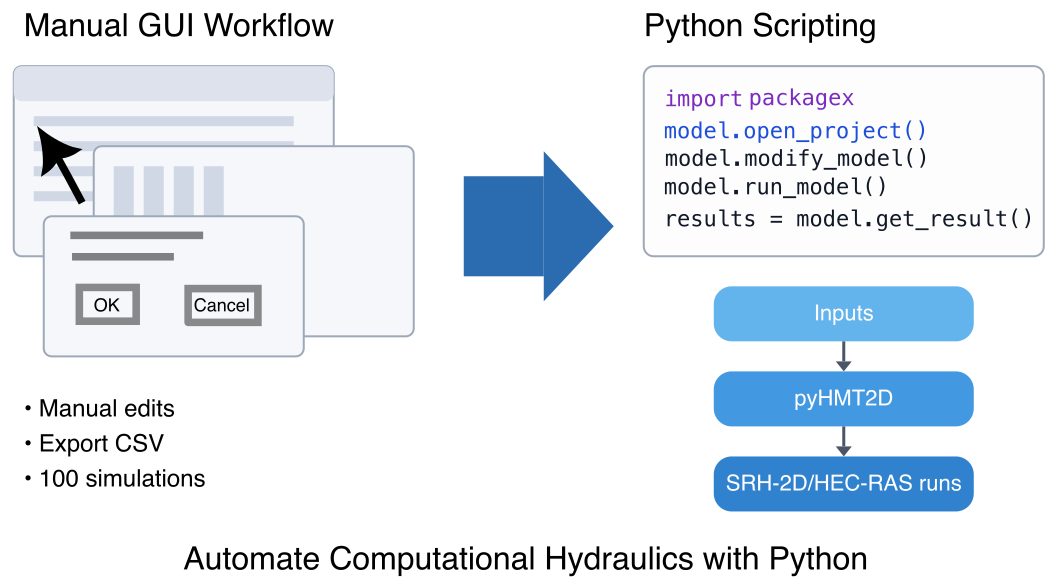
If you’ve ever spent an afternoon clicking through HEC‑RAS or SMS—changing Manning’s n, re‑running, exporting results, tidying folders—you already know why this topic matters. The work is repetitive, easy to mess up, and hard to reproduce a month later.
This first post is about that pain point. The later posts will get into pyHMT2D and the details; here I just want to make the case for automation and why I use Python for it.
Why the usual GUI workflow breaks down
For a single run, the classic GUI workflow is fine: set up the case, hit Compute, look at the maps. The trouble starts when you need many runs:
- sensitivity tests with dozens of Manning’s n values
- alternative design options
- calibration loops or Monte Carlo experiments
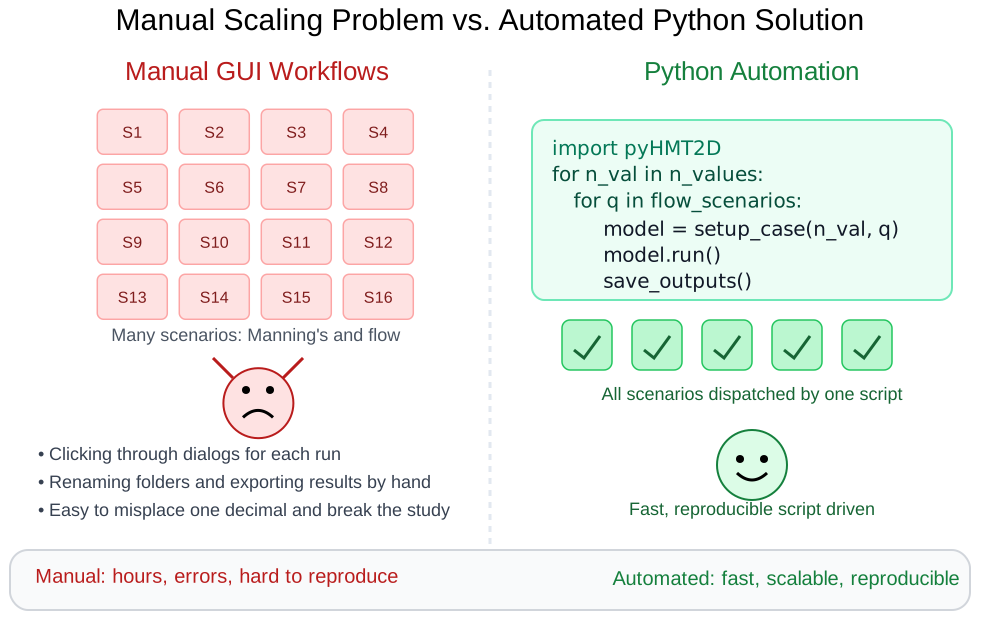
Very quickly you end up repeating the same sequence of clicks hundreds of times. It is slow, hard to document, and one typo in a dialog box can quietly ruin a whole batch of results.
Why I use Python
Python lets me move that click‑heavy workflow into code:
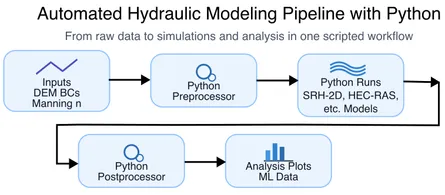
- generate and edit input files
- launch model runs
- read outputs and make plots or VTK files
Once it is in a script, I can rerun the same analysis later, share it with a collaborator, or wrap it in a loop for calibration or uncertainty analysis. The script becomes both documentation and tool.
Where this series is going
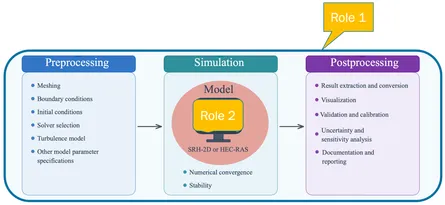
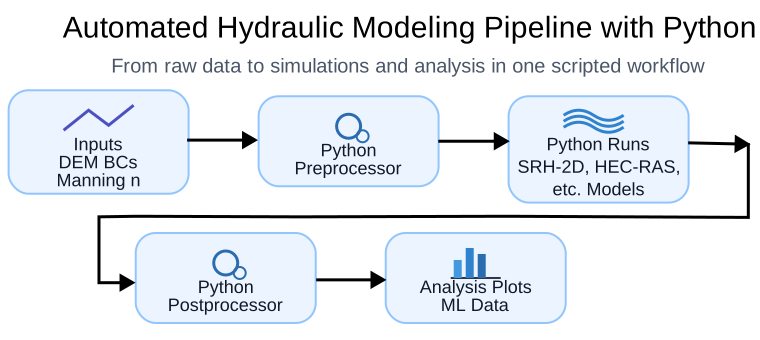
In the rest of this series I use pyHMT2D as the main example. It is a Python layer around SRH‑2D and HEC‑RAS 2D that handles the boring parts: starting runs, reading outputs, and converting results to formats like VTK.
The next posts walk through:
- using pyHMT2D to drive HEC‑RAS 2D and SRH‑2D from Python
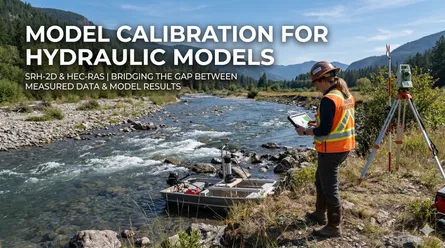
- automated calibration
- Monte Carlo runs and data generation for analysis or machine learning
My goal is not to turn you into a full‑time programmer, but to show that a small amount of Python can take a lot of the manual labor—and many of the silent mistakes—out of hydraulic modeling.
This is the first post in a series on automating computational hydraulics modeling. Read the next post to learn about pyHMT2D, or go back to the index for the full series.